
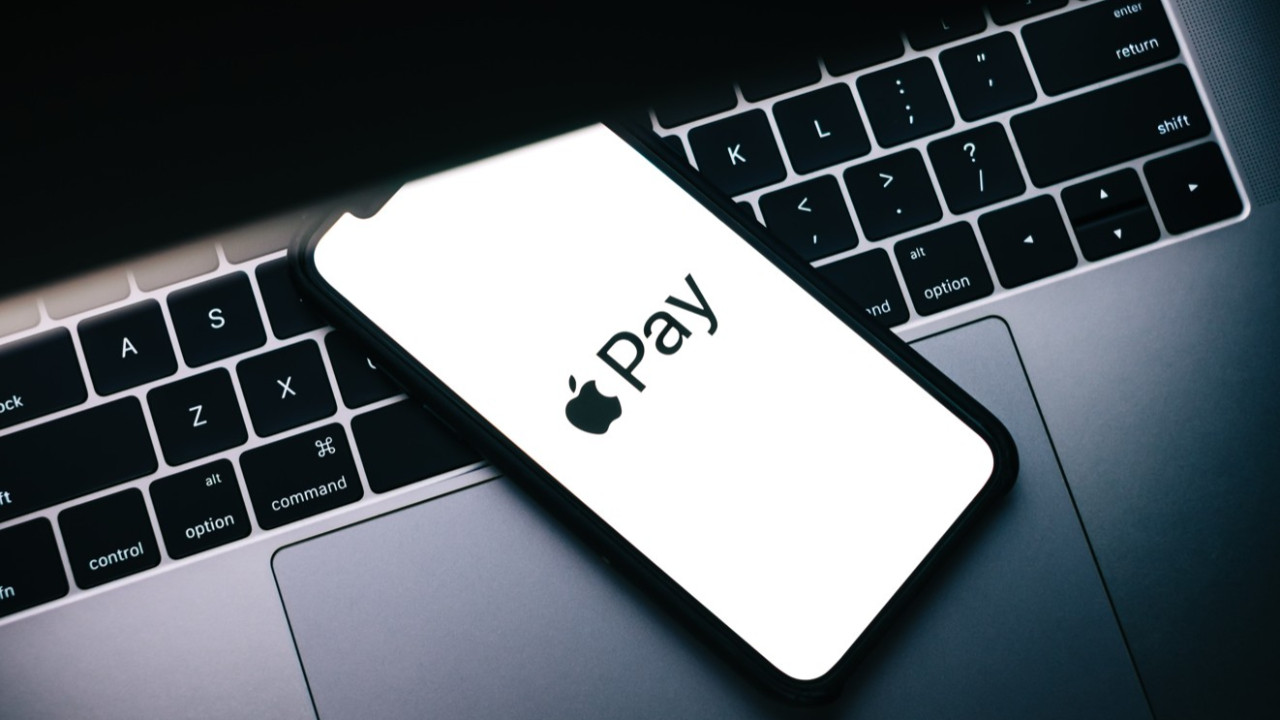
Tap to Pay on iPhone
Using the FAMS app, you’re able to receive a wide range of in-person, contactless payments straight from your iPhone — with no need for any extra devices.
Get started today.
All you need is your iPhone
With Tap to Pay on iPhone, FAMS makes payment processing simpler than ever. You can accept every kind of in-person, contactless payment directly on your iPhone — including physical debit and credit cards, Apple Pay, and other digital wallets. No additional hardware is required. It’s fast, secure, and designed to protect your privacy.
①
Download FAMS app
②
Enable Tap to Pay on iPhone
③
Accept contactless payments right on your iPhone
Accept payments — now powered by the built-in security of iPhone
Tap to Pay on iPhone and the FAMS app eliminate the challenges of building and managing a custom payment solution by offering a fully certified option that can be easily integrated into your app.
Secure & Private transactions
Accepting payment is easy
iPhone now enables you to accept contactless payments.
FAMS delivers advanced payment and back-office solutions designed to elevate your customers’ payment experience across multiple channels. No matter your industry, our systems help you create a seamless, connected journey for every transaction.
Easy ways to pay
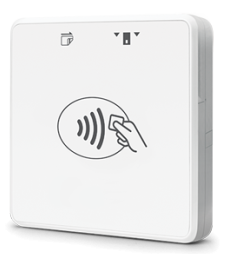
FAMS gives you access to a diverse range of payment solutions and hardware options designed to fit different business needs. This includes our portable and countertop devices, smart point-of-sale systems, dual-screen terminals, and modern smart payment units. Whether you’re moving between locations, serving customers at the table, or working in the field, you can easily accept payments wherever your business operates.

Payanywhere 3-in-1 Bluetooth® Credit Card Reader
Turn your smartphone or tablet into a mobile payment processing device with a contactless credit card reader.
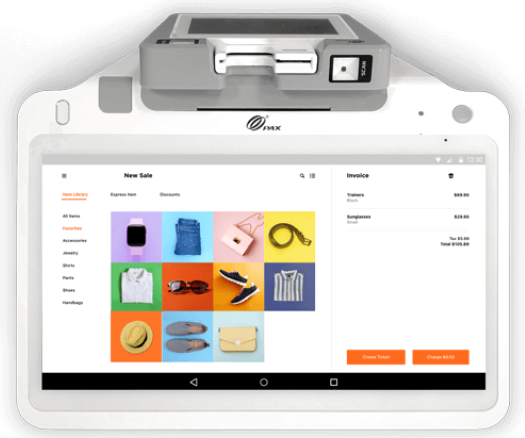
Payanywhere Smart POS+
Transform your countertop with an all-in-one point of sale designed for serious business.
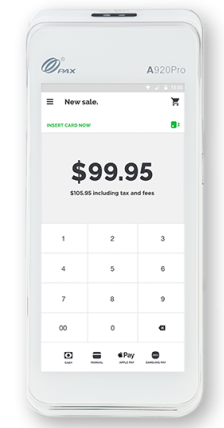
Payanywhere Smart Terminal
For a faster checkout process, FAMS's smart terminal takes credit card payments at the counter or on the move

What are the best payment processing solutions for my business?
Frequently Asked Questions
Does Tap to Pay on iPhone support PIN transactions?
On iOS 16.0 and newer, Tap to Pay on iPhone is capable of handling PIN-based payments. In cases where a PIN is needed, customers will be guided to enter it through Apple’s secure on-device PIN interface after tapping their card. It’s also recommended to confirm with your payment provider whether PIN transactions are enabled in your app.
Besides Tap to Pay on iPhone, how else can FAMS help me?
FAMS offers more than just Tap to Pay through our Payments Hub — a secure online portal designed for merchants. This portal provides a suite of reporting tools where you can manage online payments, view statements, update account details, and even monitor customer activity. Our Basic Plan is completely free, with Premium and Premium Plus Plans available for enhanced features and additional capabilities.
How quickly are funds deposited in my account?
FAMS offers two quick and free funding options. With Next Day Funding, transactions processed and closed from Monday to Friday before 10 p.m. ET will be in your account by the next business day, while weekend transactions are deposited on Monday. For Same Day Funding, any transaction closed and processed before 10:30 a.m. ET will be deposited into your account on the same day.